
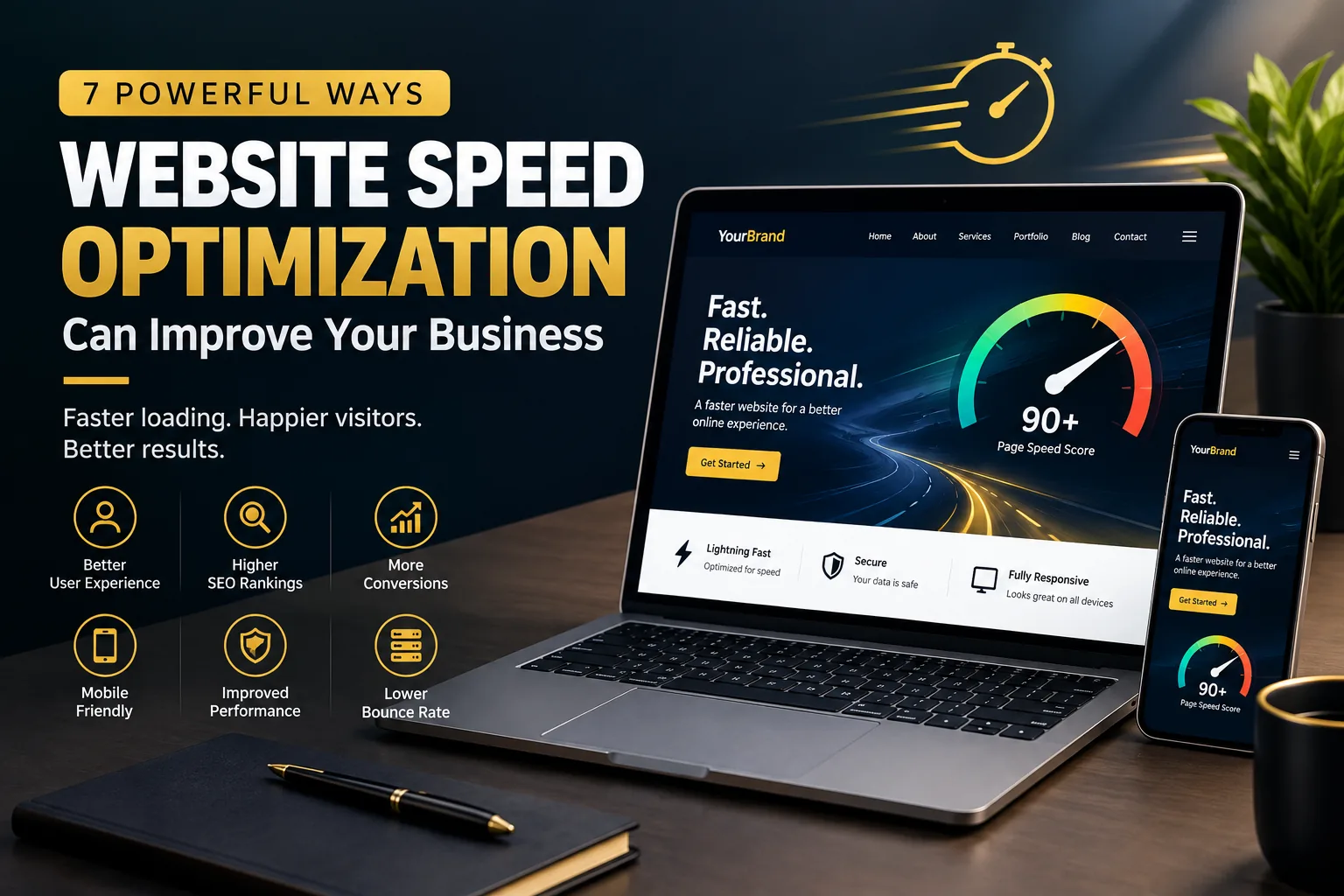
A beautiful website is important, but design alone is not enough. If your website takes too long to load, visitors may leave before they even see your content.
This is why website speed optimization is an important part of modern web development.
Website speed affects how quickly visitors can access your content, interact with your pages, and complete important actions such as submitting a form, making a purchase, or contacting your business.
A faster website can also provide a better experience for users on mobile devices and slower internet connections.
In this article, we will explore 7 powerful ways website speed optimization can improve your business and explain some practical techniques you can use to make your website faster.
What Is Website Speed Optimization?
Website speed optimization is the process of improving a website so that its pages load and respond more efficiently.
Many different factors can affect website performance, including:
- Image sizes
- Hosting quality
- CSS and JavaScript
- Plugins
- Website themes
- Server response time
- Caching
- Fonts
- Third-party scripts
- Database performance
- Unnecessary website features
Website optimization involves identifying performance problems and improving the areas that have the greatest impact.
The goal is not simply to make a website score perfectly on a speed-testing tool. The goal is to create a website that feels fast, responsive, and easy to use.
1. Improve User Experience
The first major benefit of website speed optimization is a better user experience.
Visitors expect websites to respond quickly. When pages load slowly, users may become frustrated and leave.
Consider a potential customer visiting your service page.
They want to:
- Understand what you offer.
- View your previous work.
- Check your pricing.
- Contact you.
If every page takes several seconds to load, the process becomes unnecessarily difficult.
A fast website makes navigation smoother and allows visitors to access information more efficiently.
Good performance is therefore an important part of good user experience.
2. Reduce Visitor Abandonment
Slow websites can create unnecessary friction.
A visitor might click on your website from Google, social media, or an advertisement. If the page takes too long to become usable, that visitor may decide to leave.
This is especially important for businesses because every website visitor represents a potential opportunity.
For example, an online store needs customers to move smoothly from product pages to the checkout process.
A service business needs visitors to quickly reach contact forms or booking pages.
A website speed optimization strategy can remove some of the technical problems that slow down these experiences.
3. Support Search Engine Optimization
Website performance is also relevant to SEO.
Google provides tools and documentation for developers and website owners to evaluate and improve page experience.
One useful resource is Google PageSpeed Insights, which can analyze a webpage and provide performance-related recommendations.
Google also provides information about Core Web Vitals, which measure aspects of loading performance, interactivity, and visual stability.
You can learn more through Google Search Central's Core Web Vitals documentation.
SEO involves many factors, so improving speed does not automatically guarantee higher rankings. However, performance is an important part of creating a better overall website experience.
This makes website speed optimization worth considering as part of a broader SEO strategy.
4. Improve Conversion Opportunities
A business website should encourage visitors to take meaningful actions.
These actions could include:
- Sending an inquiry
- Calling your business
- Booking an appointment
- Purchasing a product
- Requesting a quote
- Signing up for a newsletter
- Downloading a resource
A slow website can create friction before visitors reach these conversion points.
For example, if your landing page loads slowly, a potential customer may leave before reaching your call-to-action button.
Improving performance can make the journey from landing page to conversion smoother.
This is particularly important for businesses that spend money on advertising because paid traffic becomes less useful when visitors encounter a poor website experience.
5. Make Mobile Browsing Better
Mobile users can be particularly sensitive to website performance.
Smartphones may have different hardware, network conditions, and screen sizes compared with desktop computers.
A website that feels reasonably fast on a powerful desktop computer may feel much slower on a mobile device.
Effective website speed optimization should therefore consider mobile visitors.
Important areas include:
- Image optimization
- Responsive design
- Efficient code
- Reduced scripts
- Proper caching
- Optimized fonts
- Lightweight page layouts
A fast mobile website can make it easier for visitors to browse your content and interact with your business.
6. Improve Website Performance
Performance is not determined by one single factor.
A website can become slow because several small problems combine together.
For example, a page might contain:
- Large background images
- Multiple animation libraries
- Several tracking scripts
- Unused plugins
- Heavy fonts
- Unoptimized videos
- Excessive CSS
- Unnecessary JavaScript
Individually, these elements may not seem like major problems. Together, they can significantly affect performance.
A proper website speed optimization process identifies unnecessary resources and prioritizes improvements based on their actual impact.
7. Create a Better First Impression
Website performance can influence how visitors perceive a business.
Imagine two businesses offering similar services.
One has a clean website that loads quickly and responds smoothly.
The other has a website with slow-loading images, delayed interactions, and broken layout elements.
The technical problems can make the second business appear less polished, even if its actual services are excellent.
Your website is part of your digital brand.
A fast, stable website can contribute to a more professional online experience.
How to Optimize Website Images
Images are often one of the biggest contributors to page size.
A high-resolution photograph can be several megabytes in size. Loading multiple large images on one page can significantly increase the amount of data a visitor needs to download.
There are several ways to optimize images.
Resize Images
Do not upload a 5000-pixel-wide image if it will only appear at 800 pixels wide.
Resize images according to their actual display requirements.
Compress Images
Image compression can reduce file size while maintaining acceptable visual quality.
Use Modern Formats
Modern formats such as WebP and AVIF can often provide smaller file sizes than older formats.
Use Appropriate Image Dimensions
Different website sections require different image sizes.
A thumbnail does not need the same dimensions as a full-screen hero image.
Use Lazy Loading Where Appropriate
Images that are below the initial viewport can often be loaded when they are needed rather than loading everything immediately.
Good image handling is one of the most practical parts of website speed optimization.
Reduce Unnecessary Plugins
This is especially important for WordPress websites.
Plugins can provide useful functionality, but installing too many unnecessary plugins can increase complexity and potentially affect performance.
Before installing a plugin, ask:
Do I actually need this functionality?
If the answer is no, there may be no reason to install it.
You should also regularly review your existing plugins.
Remove plugins that are:
- No longer needed
- Replaced by another solution
- Outdated
- Duplicating existing functionality
- Causing compatibility problems
However, do not blindly remove plugins from a live website. Some plugins may provide important functionality or security features.
A professional WordPress maintenance process should evaluate dependencies before removing anything.
Improve Hosting Performance
Your website's hosting environment can have a major impact on performance.
Even a well-optimized website can perform poorly if it is hosted on an unsuitable server.
When choosing hosting, consider factors such as:
- Server resources
- Storage technology
- Server location
- Reliability
- Scalability
- Caching support
- Backup options
- Technical support
Businesses with higher traffic or more complex websites may require stronger hosting infrastructure.
Choosing appropriate hosting should therefore be considered alongside other website speed optimization techniques.
Use Caching
Caching allows frequently requested resources or generated pages to be stored temporarily so they can be delivered more efficiently.
Different types of caching can be used at different levels, including:
- Browser caching
- Page caching
- Object caching
- Server-side caching
- Content delivery network caching
For WordPress websites, caching plugins can simplify some performance tasks.
However, caching should be configured carefully because incorrect settings can sometimes cause outdated content or functionality problems.
After making caching changes, test the website thoroughly.
Minimize Unnecessary Code
Websites rely on HTML, CSS, JavaScript, images, fonts, and other resources.
If a page loads resources that are not actually required, visitors may have to download unnecessary data.
Developers can improve performance by reviewing:
- Unused CSS
- Unnecessary JavaScript
- Duplicate scripts
- External fonts
- Third-party tracking tools
- Animation libraries
- Large dependencies
The objective is not to remove every piece of code.
Instead, the goal is to make sure that the website only loads what it actually needs.
Common Website Speed Mistakes
Uploading Huge Images
Large uncompressed images are one of the most common performance problems.
Installing Too Many Plugins
More plugins can mean more code, requests, and potential compatibility issues.
Using Excessive Animations
Animations can make a website visually interesting, but too many can affect performance and usability.
Adding Too Many Third-Party Scripts
Analytics, advertising, chat tools, social widgets, and other external scripts can increase page complexity.
Ignoring Mobile Performance
A website should be tested on mobile devices rather than assuming desktop performance represents the entire user experience.
Using Poor Hosting
Cheap hosting may not always provide the resources required for a growing website.
Never Testing Performance
Performance should be measured periodically rather than assumed.
How to Test Website Speed
You do not need to guess whether your website is fast.
Several tools can help you identify performance problems.
Google PageSpeed Insights
Google PageSpeed Insights can provide performance measurements and recommendations for individual pages.
Chrome DevTools
Chrome DevTools includes tools that developers can use to inspect network requests, resources, performance, and other technical details.
Lighthouse
Lighthouse can audit web pages across areas such as performance, accessibility, SEO, and best practices.
Testing should be performed on important pages such as:
- Homepage
- Service pages
- Product pages
- Landing pages
- Blog posts
- Contact pages
Do not optimize only your homepage while ignoring the rest of the website.
A Simple Website Speed Optimization Checklist
Before launching or reviewing a website, check the following:
- Compress large images
- Use appropriate image dimensions
- Consider WebP or AVIF
- Remove unnecessary plugins
- Review third-party scripts
- Optimize CSS
- Optimize JavaScript
- Configure appropriate caching
- Use reliable hosting
- Test mobile performance
- Check important pages
- Monitor Core Web Vitals
- Test forms and interactive features
- Check for broken resources
- Re-test after major updates
This checklist can help you identify common performance issues before they affect visitors.
How I Can Help
I build and optimize modern websites with a focus on performance, responsive design, usability, and business objectives.
My services include:
- WordPress website development
- Responsive web design
- Website speed optimization
- Elementor development
- Website maintenance
- SEO-friendly website development
- Business website design
- Landing page development
You can view my work on my portfolio.
If your existing website is slow, difficult to use, or outdated, you can contact me to discuss your requirements.
Final Thoughts
Website speed is an important part of creating a successful online presence.
A website should not only look professional. It should also load efficiently, respond quickly, work across different devices, and make it easy for visitors to accomplish their goals.
Website speed optimization can improve user experience, support SEO efforts, create smoother conversion paths, and contribute to a stronger overall website.
The process does not always require rebuilding an entire website.
Sometimes, significant improvements can come from optimizing images, removing unnecessary resources, improving hosting, configuring caching, and cleaning up inefficient code.
The most important step is to measure the website, identify the actual problems, and prioritize improvements based on their impact.
A faster website creates a better experience. A better experience creates more opportunities for your business.
Need help with your website?
I design and develop modern, responsive, and fast websites focused on your business goals. From business sites to e-commerce and custom web apps — let's build something that works for you.